This plugin stack is designed for self-hosted WordPress only. WordPress.com hosted sites operate under platform-level restrictions that prevent key parts of this workflow from functioning. If you are on WordPress.com, the publishing pipeline described here will not work as written.
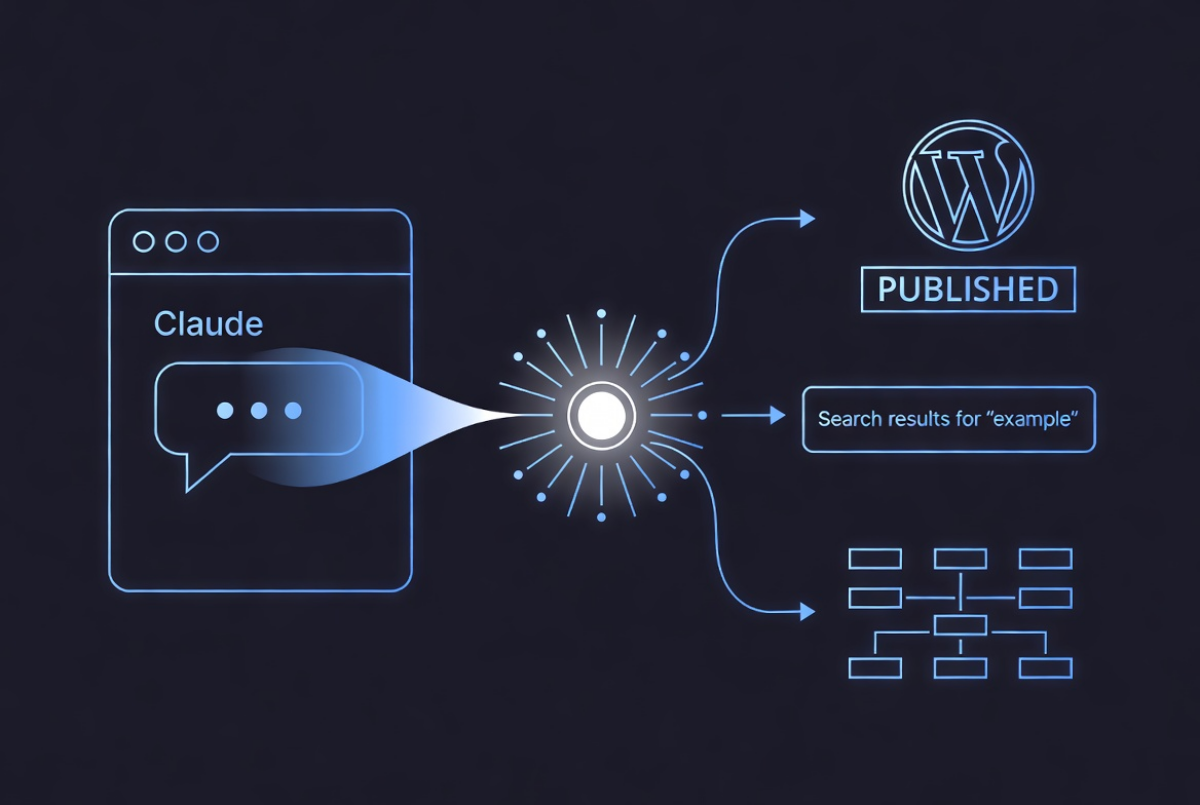
When Powerboat News launched in September 2025, the editorial workflow was built around a single premise: Claude should be able to publish a complete article, with SEO fields, schema markup and featured image, without a human touching the WordPress admin. Twelve custom plugins later, that workflow is running in production.
The connector at the centre is Easy MCP AI, which exposes WordPress post and media functions to Claude via the Model Context Protocol. Everything else in the stack exists to make that connector work cleanly, or to handle jobs WordPress core does not do well enough for an AI-driven workflow.
The publishing pipeline
FastAI Editor disables Gutenberg and removes wpautop, WordPress’s automatic paragraph conversion. For hand-crafted HTML written by an AI, wpautop is destructive. The plugin keeps the classic editor and passes content through unchanged.
FastAI SEO replaces a SEO plugin such as Yoast on the output side. It handles title tags, meta descriptions, Open Graph and Twitter Cards, and registers three REST fields – title, metadesc and focuskw – with show_in_rest enabled. That last part is what matters: Claude can write those fields in the same MCP call that creates the post.
FastAI Schema handles JSON-LD. It provides an admin meta box, outputs schema in the page head, and registers custom_schema as a REST field mirrored to the private meta key the plugin uses internally. Claude passes a complete JSON-LD object – NewsArticle, SportsEvent or @graph – and the plugin handles the rest.
FastAI Sitemap generates both an XML sitemap and a Google News sitemap at /news-sitemap.xml, extends WordPress core sitemaps, and pings Google on publish. It also 301 redirects the old sitemap URL so any existing index entries resolve correctly.
Media handling
FastAI Image Upload provides a REST endpoint that accepts a base64-encoded image or a URL, resizes to 1200px, converts to WebP at quality 88, applies a watermark, and registers the result in the WordPress media library. It returns an attachment ID that Claude uses immediately in the featured_media field of the post creation call.
Statistics and transparency
FastAI Stats Dashboard is an admin statistics page powered by a statistics plugin. It shows daily traffic charts, top pages, countries, referrers, devices and outbound clicks.
FastAI Stats Page is a PIN-protected front-end equivalent, hidden from search engines, with full parity to the admin view.
Infrastructure
FastAI Author Box provides author selection compatible with both the classic and block editors, with configurable defaults and a responsive display below posts. It allows any registered author to be selected from a dropdown – useful on a multi-contributor site where Claude needs to attribute an article correctly rather than default to a single account. No third-party dependencies.
FastAI Contact Form handles generic forms with file upload support, HTML email with attachments, SMTP configuration and per-form thank-you redirects. It is fully MCP-accessible via a custom post type.
FastAI LLMs.txt generates and serves llms.txt and llms-full.txt for LLM discovery. Configuration is stored as JSON in a custom post type and is fully accessible via MCP.
FastAI Theme File Editor provides a REST API and in-browser editor for theme files, with syntax highlighting, find-and-replace, and dated backups. It allows Claude to read and write theme PHP, CSS and JavaScript directly, without server access. For users who prefer to work in the browser, or who want to make a quick edit without spending tokens on an AI session, the built-in editor handles that too.

The stack in practice
A standard Powerboat News article involves Claude calling wp_create_post with title, HTML content, category IDs, author ID and featured_media, then wp_update_post_meta in a separate call with the three SEO fields and the schema object. That separation is deliberate: passing SEO and schema fields through wp_update_post silently drops them.
An article with an image, SEO and schema goes from Claude to Powerboat News to publishing in 30 seconds and can hit Google four minutes later.

John Moore is the editor of fastai.news, an independent publication covering developments in artificial intelligence.
He founded fastai.news in April 2026 to apply the same rigorous, neutral reporting standards he established at Powerboat News – his international publication – to the fast-moving world of AI.
With no filler and no opinion, fastai.news reports what is happening in AI models, research, business and tools, and leaves readers to draw their own conclusions.
John is based in Buckinghamshire, England.