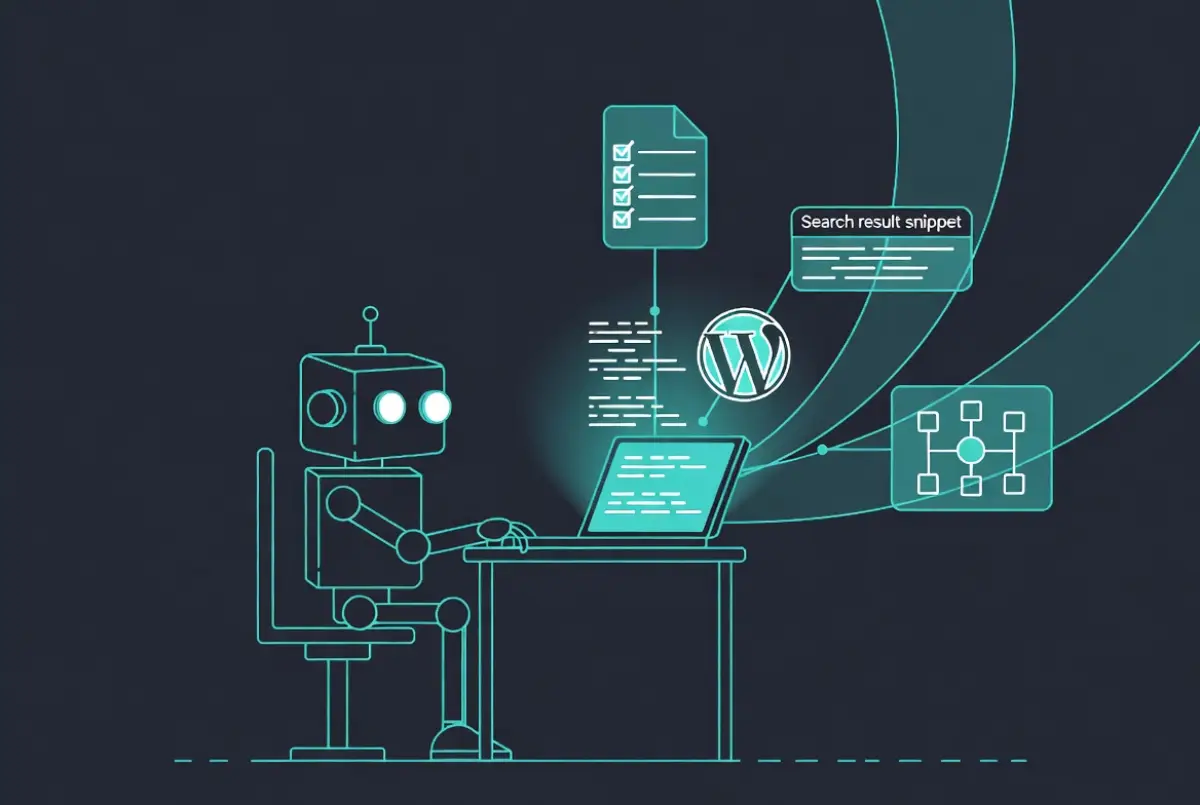
This site, fastai.news, runs on WordPress.com’s atomic platform. That creates a specific challenge for AI-assisted publishing: the native WordPress.com MCP connector does not expose Yoast SEO fields or custom schema fields. You can create a post, set categories, assign a featured image – but SEO title, meta description, focus keyphrase, and JSON-LD schema all require manual entry in the editor after the fact.
The goal was to eliminate that manual step entirely. Here is what we built, what failed first, and what ultimately worked.
The Starting Point
fastai.news uses Yoast SEO and a custom schema field called bbh_custom_schema, the same setup as its sister site Powerboat News, which runs on self-hosted WordPress. On self-hosted WordPress, WPCode snippets register those fields via the REST API and Claude writes to them directly via MCP. The question was whether the same approach would work on WordPress.com atomic.
Step One: Easy MCP AI Plugin
The WordPress.com atomic platform supports plugin installation, which opens options unavailable on standard WordPress.com plans. The first move was installing Easy MCP AI, a free plugin that creates a dedicated MCP endpoint for the site. Once a token is generated in the plugin dashboard, the endpoint URL – in the format https://yoursite.com/wp-json/easy-mcp-ai/v1/mcp/[token] – can be added directly to Claude as a custom connector.
That gives Claude 74 WordPress tools: create, update, and delete posts, pages, media, categories, tags, menus, users, and more. It also exposes a wp_update_post_meta tool for writing registered meta fields.
The key word is registered. The tool will only write meta fields that are explicitly registered with the WordPress REST API. Any unregistered key is silently ignored.
Step Two: Registering the Fields – What Failed First
WPCode Lite was installed to handle field registration via PHP snippets, mirroring the Powerboat News setup. The first attempt used register_rest_field(), which is the standard WordPress function for adding virtual fields to REST API responses:
add_action('rest_api_init', function() {
    register_rest_field('post', 'bbh_custom_schema', array(
        'get_callback'    => function($p) { return get_post_meta($p['id'], 'bbh_custom_schema', true); },
        'update_callback' => function($v, $p) { return update_post_meta($p->ID, 'bbh_custom_schema', $v); },
        'schema'          => array('type' => 'string'),
    ));
});
The field was accepted by the API without error but silently discarded. The Easy MCP AI plugin reported it in an ignored_keys array. register_rest_field() was not the right mechanism.
Step Three: What Actually Works
The correct function is register_post_meta() with show_in_rest set to true. This registers the meta key directly with the REST API rather than adding a virtual field on top of it:
add_action('init', function() {
    register_post_meta('post', 'bbh_custom_schema', array(
        'show_in_rest'  => true,
        'single'        => true,
        'type'          => 'string',
        'auth_callback' => function() { return current_user_can('edit_posts'); },
    ));
});
After replacing the snippet with this version, the field wrote correctly on the first attempt. The Yoast fields required an additional sync step – the friendly REST API keys (yoast_focuskw, yoast_title, yoast_metadesc) needed hooks to copy values across to the actual Yoast storage keys (_yoast_wpseo_focuskw and so on) on save.
With both snippets active, a single wp_update_post_meta call now writes all four fields in one operation.
The Result
Claude now has full automation on fastai.news. A complete post – title, content, categories, featured image, focus keyphrase, SEO title, meta description, and JSON-LD schema – is created and populated in one workflow with no manual intervention in the WordPress editor.
The workflow is identical to Powerboat News. The same prompts, the same field names, the same MCP tools. WordPress.com atomic behaves like self-hosted WordPress once the plugin and snippets are in place.
What Claude Cannot Do
Two limitations are worth noting for anyone replicating this setup.
WPCode snippets are not accessible via MCP. The Easy MCP AI plugin lists installed plugins but cannot read or write snippet content. Any changes to the registration code require logging into wp-admin manually. There is no workaround for this currently.
Image uploads via Claude time out. The Easy MCP AI plugin supports media upload via base64 encoding, but full-size images encoded to base64 run to approximately 90,000 characters as a tool parameter. In practice, the operation times out before completing. The workaround is to upload images directly to the WordPress media library and provide Claude with the URL – Claude then looks up the attachment ID and dimensions via wp_list_media and builds the caption shortcode. It is a fast, reliable alternative, but it does require that manual upload step.
Stack Used
WordPress.com atomic plan. Easy MCP AI plugin (free, WordPress.org). WPCode Lite (free, WordPress.org). Yoast SEO. Claude Sonnet via claude.ai with a custom MCP connector.

John Moore is the editor of fastai.news, an independent publication covering developments in artificial intelligence.
He founded fastai.news in April 2026 to apply the same rigorous, neutral reporting standards he established at Powerboat News – his international publication – to the fast-moving world of AI.
With no filler and no opinion, fastai.news reports what is happening in AI models, research, business and tools, and leaves readers to draw their own conclusions.
John is based in Buckinghamshire, England.